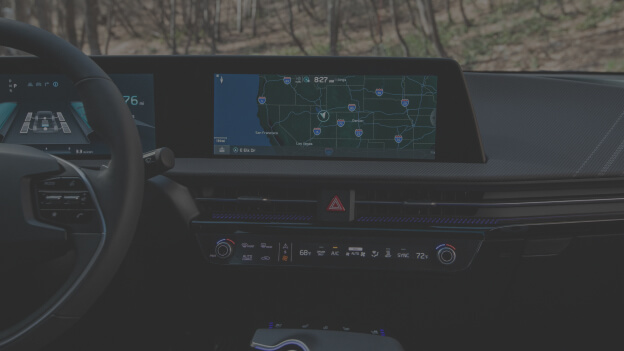
Enhancing Your Kia with Over-the-Air Software Updates
Over-the-Air Software Update technology puts you in control, enabling you to update, upgrade, and add exciting new features to your Kia remotely.
What are Over-the Air Software Updates?
Over-the-Air Software Updates mark a significant transformation in how you care for your Kia. This wireless technology can empower you to enhance your software systems, including powertrain system electric motor, battery management system, and advanced driver assistance systems.
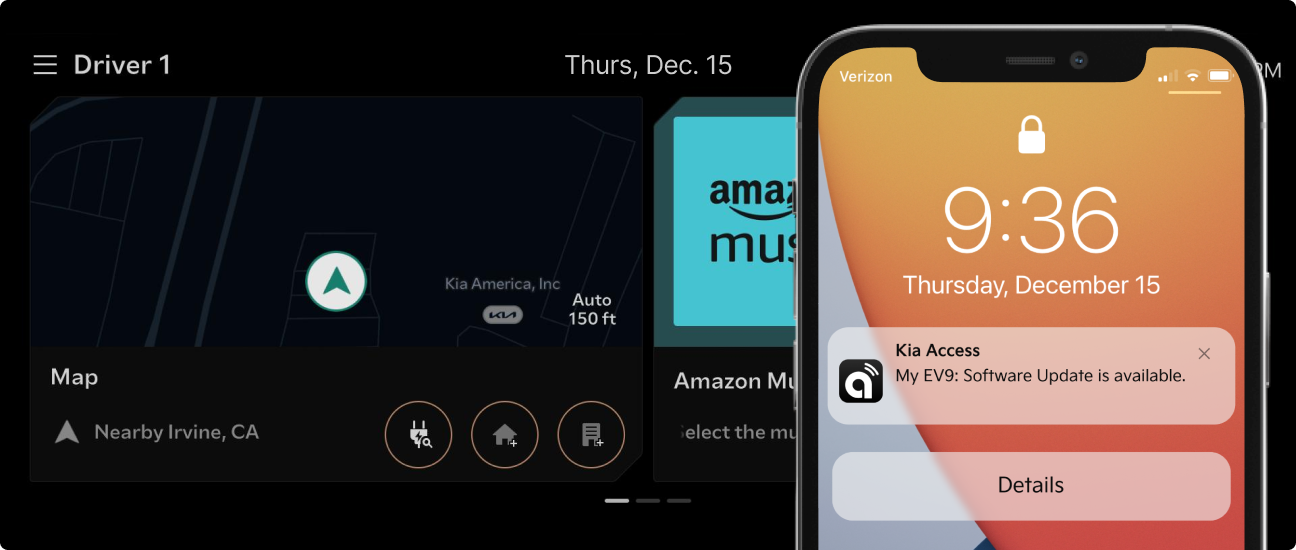
Receive automatic notifications on your mobile device via the Kia Access app when new software is downloaded to your Kia. Conveniently update your Kia remotely with the downloaded software.
How to Update Your Kia's Software1
(Kia Connect subscription required)
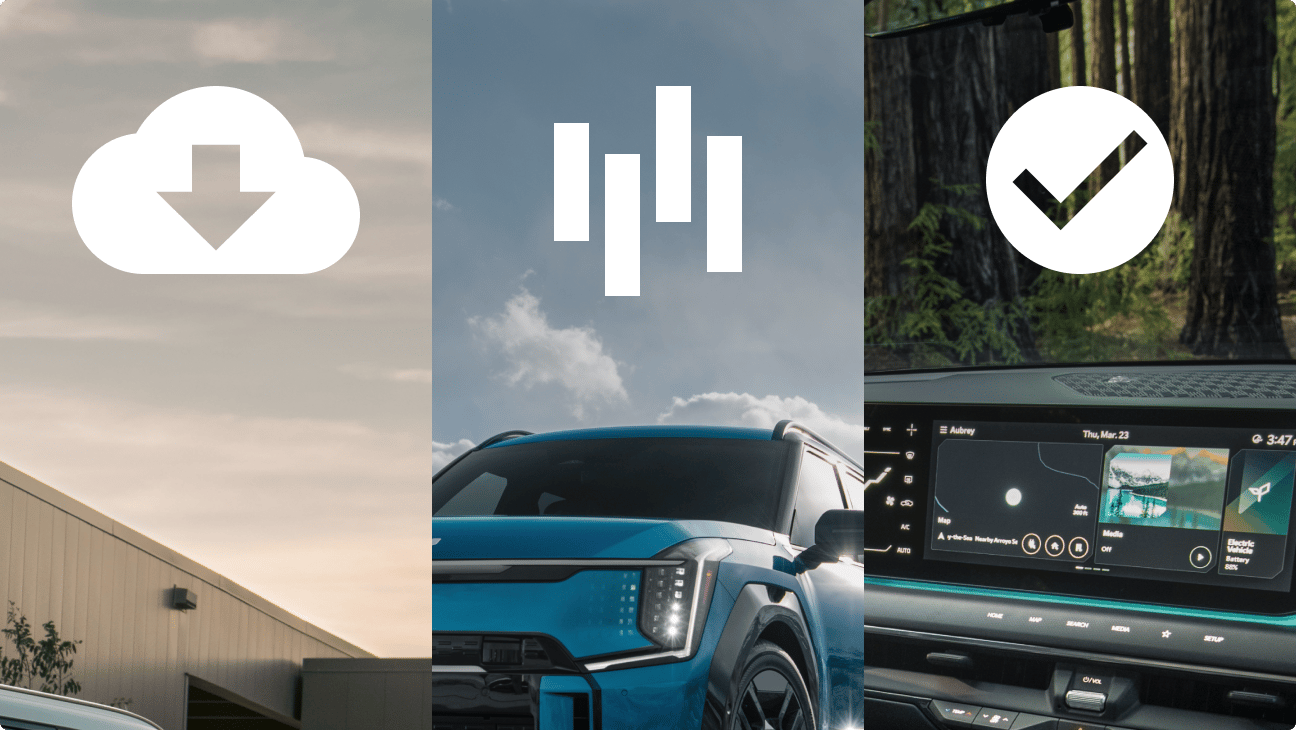
Step 1. Vehicle automatically downloads latest software update.
New updates are automatically downloaded wirelessly to your Kia as you drive.
A push notification is sent to your smartphone upon download completion.
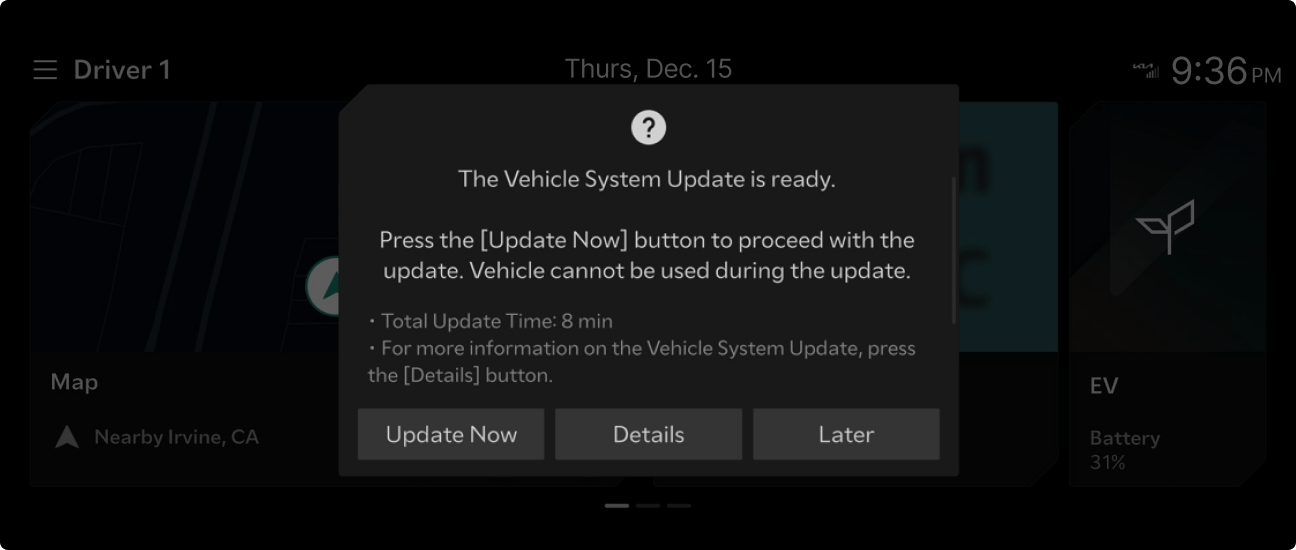
Step 2. Get vehicle prompt that update is ready for installation.
At your next ignition/power off, follow the installation instructions shown on vehicle’s infotainment screen.
Your Kia will show the estimated installation time and ask whether you wish to proceed or do it a later time. Update times vary based on the software size.
The vehicle must be turned off and the following condition must be maintained to proceed with the software installation:
- Transmission/Gear: in P (Park)
- Exterior Lights: Off
- Parking Brake: On
- Hood: Closed
Note: Your vehicle will be disabled and cannot be driven during the software installation. Park your vehicle in a safe and secure location. You will not need to remain in your vehicle during the installation.
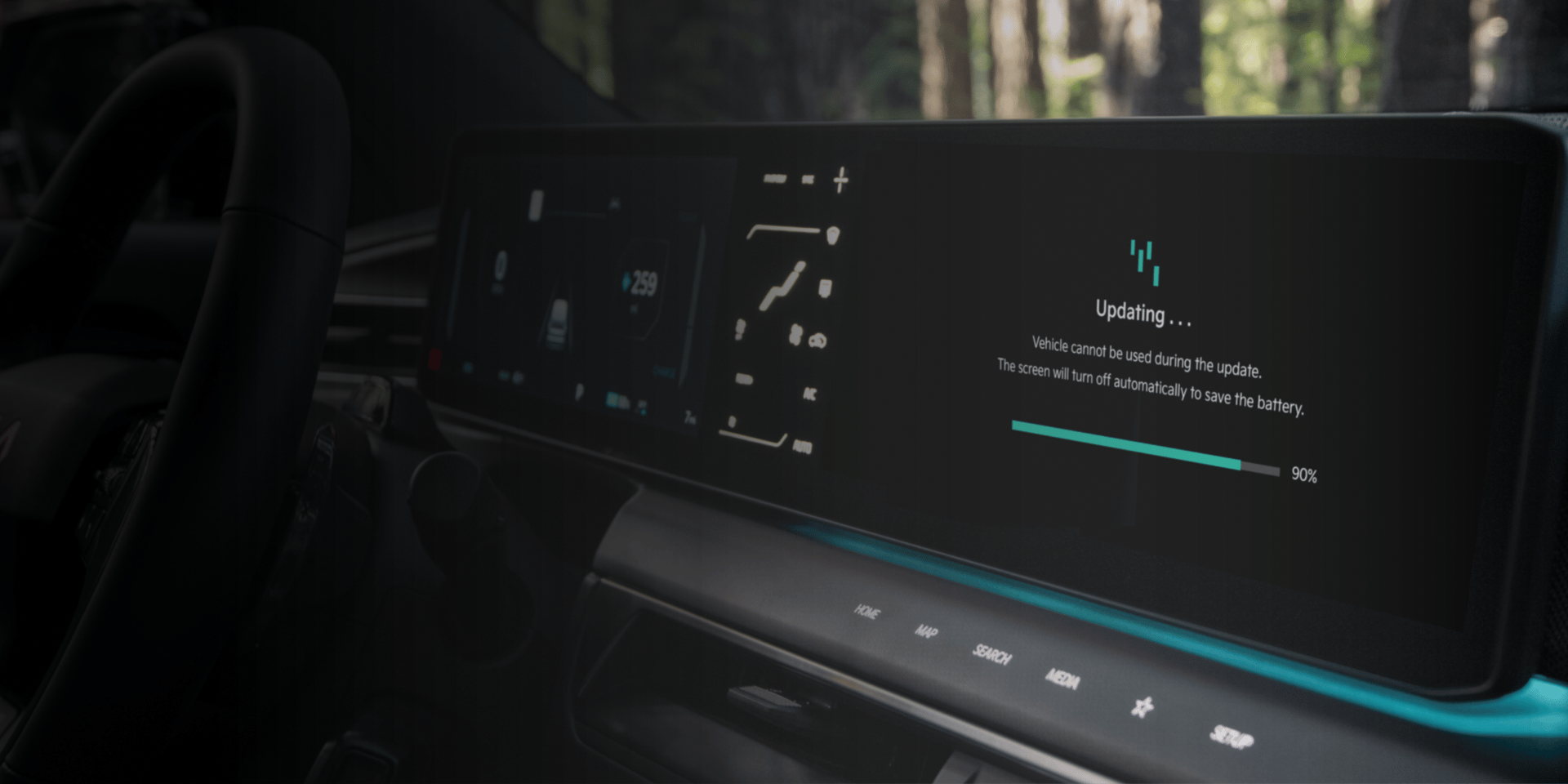
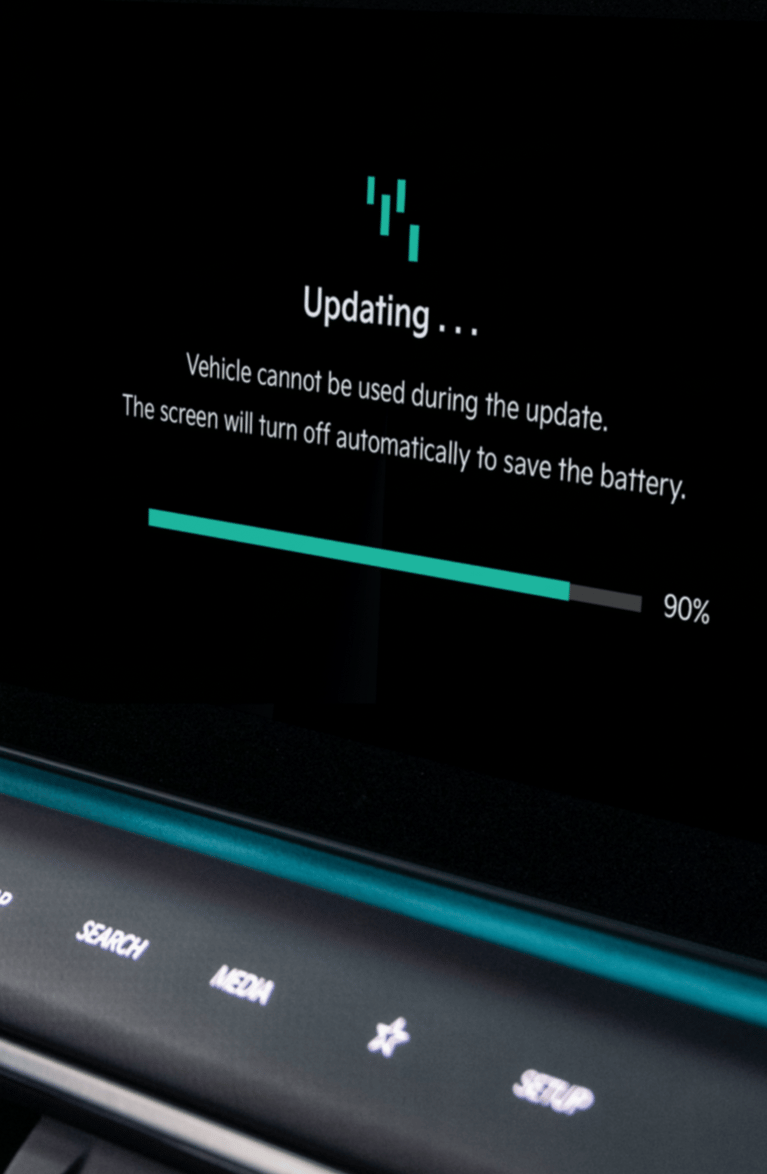
Step 3. Check software update progress.
Installation progress may be checked on your Kia’s infotainment screen.
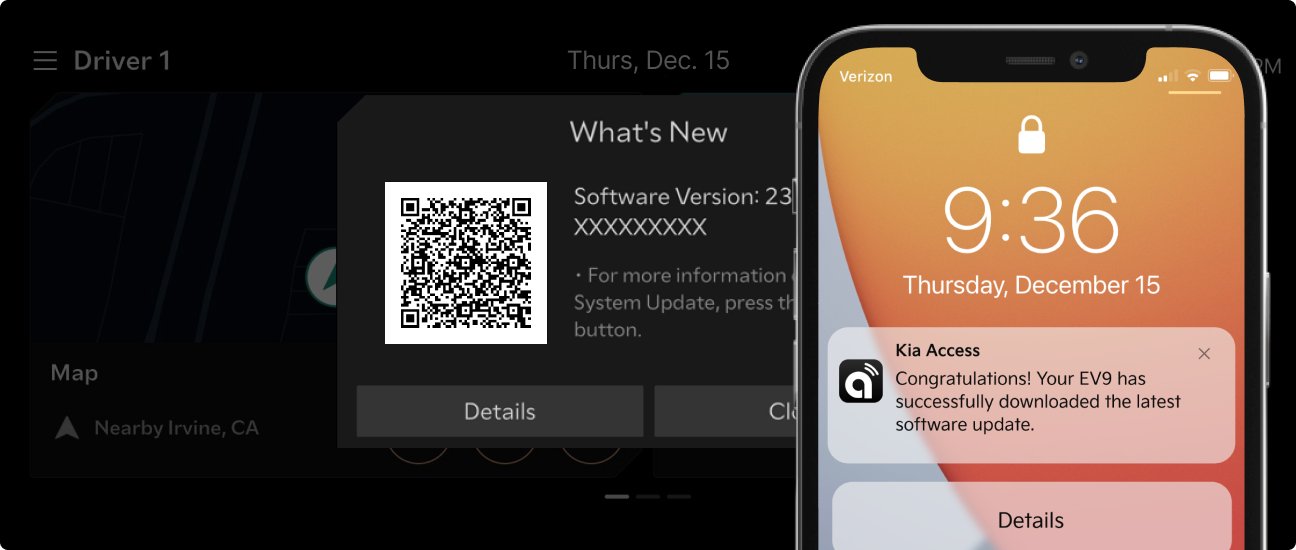
Step 4. Software update completion!
After completion of the software update, a push notification will be sent to your phone and the vehicle’s infotainment screen will display a QR code and a summary about what is new with the update. You can scan the QR code to verify updated information.
For questions or concerns, contact the Kia Connect Call Center (844) 886-9411, 7 days a week from 5 am to 6 pm PST.
FAQs
Over-the-Air Software Update technology allows you to wirelessly update your Kia’s software systems. The specific systems that can be updated vary by model year, model, and trim levels.
System controllers that can be updated via Over-the-Air Software updates may include powertrain, electric motor system, battery management system, ADAS, and lighting. The specific system controllers that can be updated via Over-the-Air Software Updates are dependent upon model year, model, and trim levels.
The availability of Over-the-Air Software Updates varies by model year, model, and trim.
You can check your vehicle's capabilities by going to the Kia Connect availability tool on the Kia Owner's site. You will need to know the vehicle's model year, model name, and trim or VIN.
Over-the-Air Software Updates are offered to you at no extra cost. However, to utilize this feature, you must have Kia Connect activated and be enrolled in one of the Kia Connect plans (free trial, complimentary, or paid).
Yes. Activation of Kia Connect is required. New Kia owners enrolled in Kia Connect can receive Over-the-Air Software updates for 10 years, provided their vehicle is equipped with this feature.
The vehicle must be turned off and the following condition must be maintained to proceed with the software installation:
- Transmission/Gear: in P (Park)
- Exterior Lights: Off
- Parking Brake: On
- Hood: Closed
No. Your vehicle will be disabled and cannot be driven during the software installation. Park your vehicle in a safe and secure location before beginning the software installation.
You cannot independently verify whether your Kia's software has been updated across all its systems.
However, Kia has a notification system for critical updates, if your vehicle is enrolled in Kia Connect and your vehicle is equipped with Over-the-Air Software Update capabilities. Notifications are sent to you when an update is ready to install.
1. A message will appear on your vehicle's infotainment screen.
2. You will receive a push notification from the Kia Access app on your smartphone.
Additionally, Kia may send email communications.
If you wish to review the details of recent updates, you can access the "Release Notes" section on the Over-the-Air Software Updates page. This resource will provide you with information about the changes and improvements made to your vehicle's software.
Over-the-Air Software Updates are automatically downloaded to your vehicle. Once the update has been downloaded, you will receive a push notification via the Kia Access app letting you know the download is complete and that the update is ready to install. You will also see a message in your infotainment screen prompting you to install the update when you turn off the vehicle.
To check historical Over-the-Air Software Updates, you may visit the Kia Owner's Over-the-Air Software Update Release Notes page.
No, you cannot disable Over-the-Air Software Updates notifications.
You will see a message in your infotainment screen prompting you to install the update when you turn off the vehicle. Tap the “Update Now” button to begin installing the updates.
Installation time varies based on the software's size and the strength of the vehicle's wireless signal connection. After you start the software installation by tapping the “Update Now” button, the message on the infotainment screen will update to display the estimated installation time.
No, it is not possible to pause and resume an update after you have opted to start the final software installation.
No, you cannot schedule the installation of the update. However, you may choose to do the installation later. If you choose later, you will be prompted to install the update each time you turn the vehicle off.
More to Explore
- If the 12-volt battery has been disconnected or connected in the past, complete the following steps before starting the over-the-air-software update process:
- Turn off the engine.
- Disconnect any electronic devices that may be connected to the On-Board Diagnostics (OBD) port.
- Park the vehicle for at least 4 hours. The updates may need to download again prior to installation.
- Any devices connected to your Kia’s OBD port may impact your Kia’s ability to download an over-the-air software update.
If any device is connected to your Kia’s OBD port at the bottom of the driver’s seat, follow these steps to start the over-the-air-software update:
- Disconnect the device and start the engine to download updates.
- Drive the vehicle for at least 30 minutes.
- Install the updates when prompted to do so. Do not connect any device to the OBD port during the over-the-air-software installation process.
- When the over-the-air-software update is installing, the vehicle cannot be operated, and all functions, including electric vehicle charging and the V2L* function will not be available.
V2L: V2L stands for Vehicle-to-Load, which is a bi-directional charging system in electric vehicles.
- Information Collected
- CA Residents: CCPA Requests
Information Collected
We want to be transparent about the data we and our partners collect and how we use it, so you can best exercise control over your personal data. To learn about our collection and use of personal data, please see our Privacy Policy.
We use the following partners to better improve your overall web browsing experience. They use cookies and other mechanisms to collect information regarding your visit. Information about devices used to access our website may be collected and shared, even if this information is not tied to your name or other information that specifically identifies you. You can elect to opt-out of this information collection by unticking the boxes below.
We use the following partners to better improve your overall web browsing experience. They use cookies and other mechanisms to connect you with your social networks and tailor advertising to better match your interests. Information about devices used to access our website may be collected and shared, even if this information is not tied to your name or other information that specifically identifies you. You can elect to opt-out of this information collection by unticking the boxes below.
Before you go, be sure you know:
This link takes you to an external website or app, which may have different privacy and security policies than Owners.kia.com. We don't own or control the products, services or content found there.
-
Features
-
Services
-
Resources
-
Store
- Sign In
-
My Account
-
Vehicle Dashboard